Training Engineers — Not Button Clickers

Zero Setup.
Launch a Broken Network in Seconds.

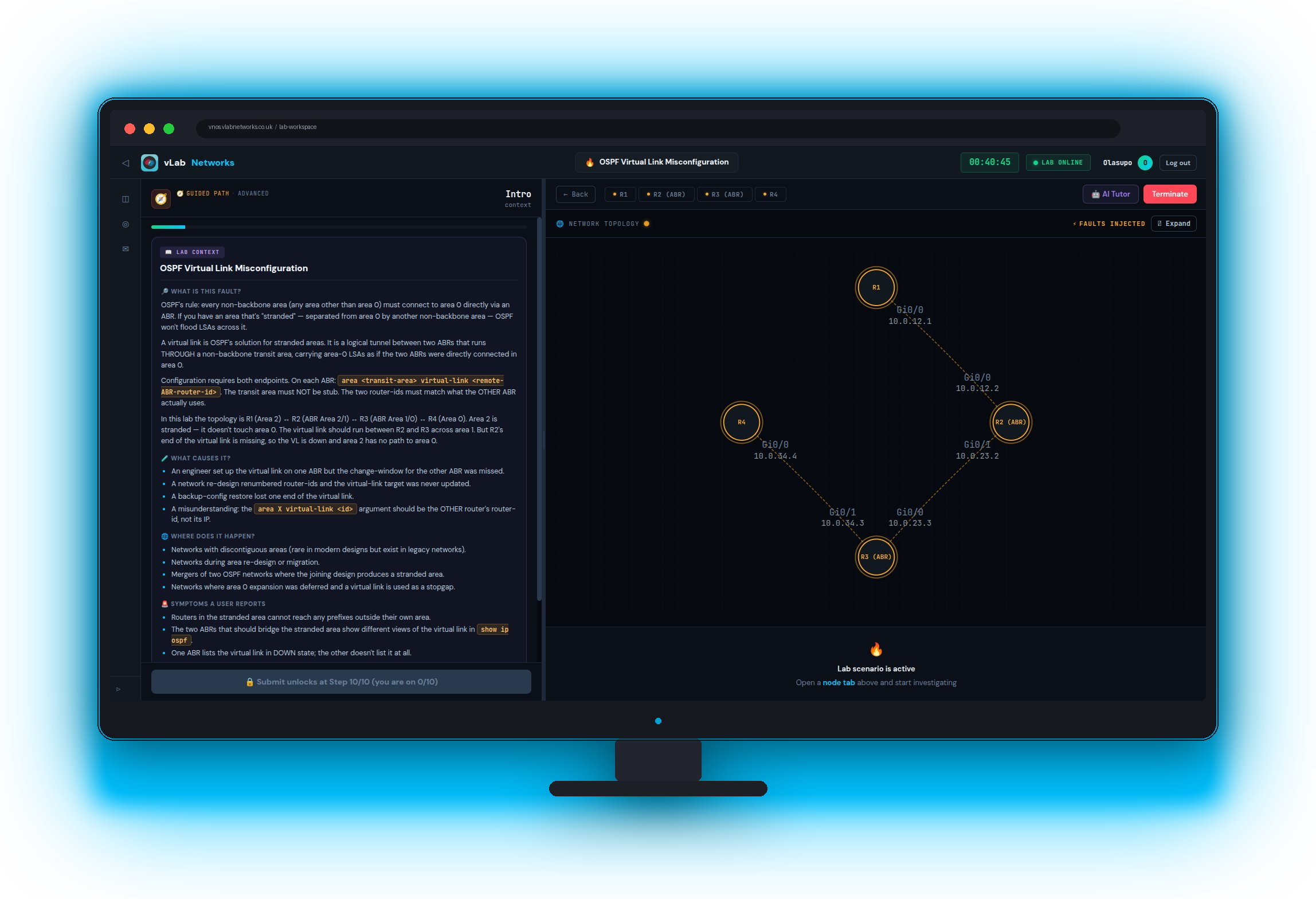
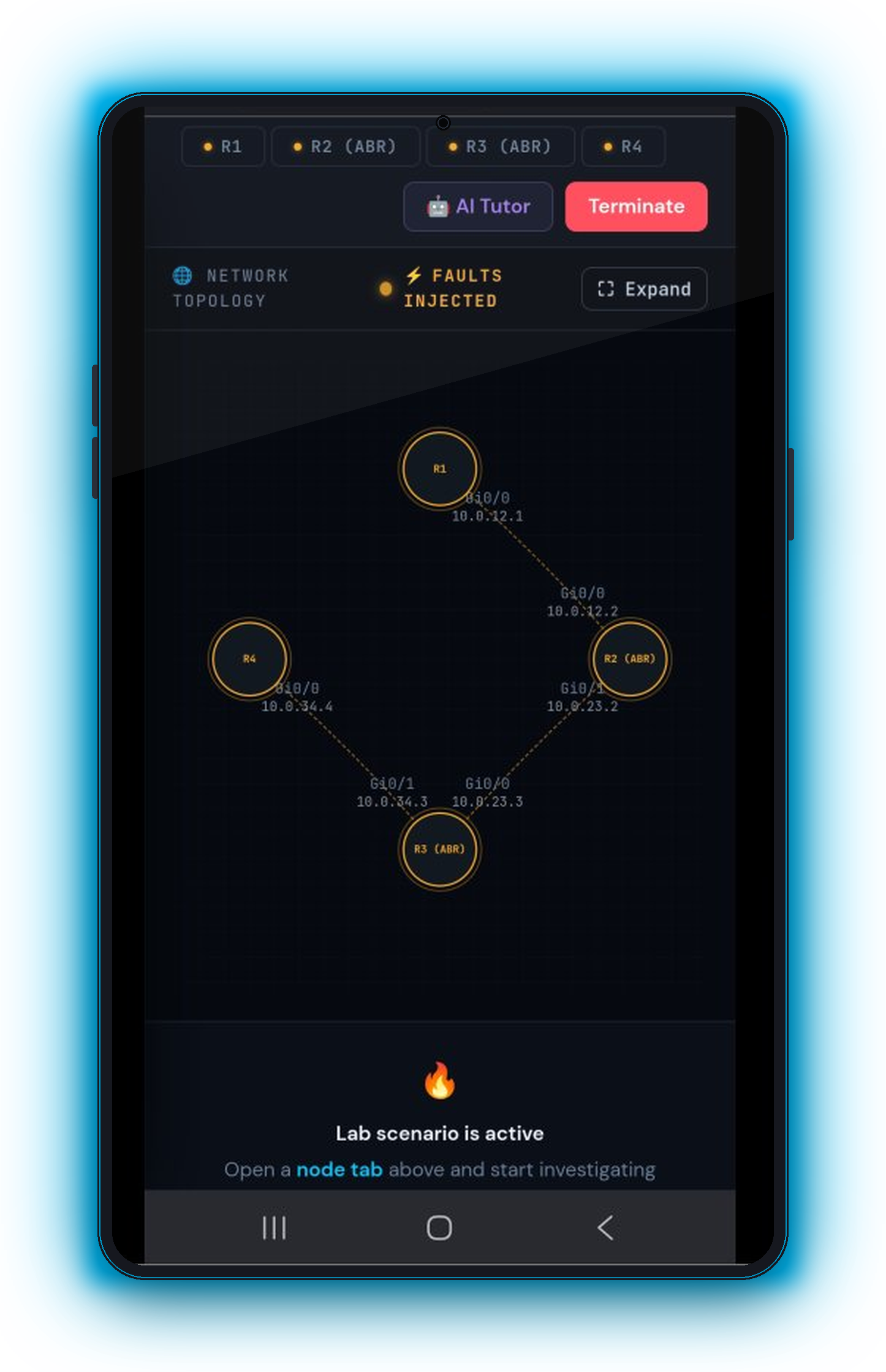
Browser-based Cisco troubleshooting labs with real-world faults, automated scoring, and full instructor visibility. No hardware. No install. Just real IOS.

Real Cisco vIOS
CCNA & CCNP Aligned
EVE-NG Powered
24/7 Browser Access
Live Cisco terminalInstructor dashboard
The Reality

Students Pass Exams…
Then Fail on Real Networks

Traditional tools teach configuration. They don't teach troubleshooting. That gap costs real money when graduates hit production.

💷

Expensive Physical Labs

Cisco hardware costs thousands per rack. Most institutions can't scale access for every student.

⚠️

Packet Tracer Isn't Real

Simulators don't replicate real IOS behaviour. Students hit problems on real gear for the first time at work.

💻

EVE-NG Needs Servers

Self-hosted virtualisation demands expensive machines, complex setup, and constant maintenance.

👁️

Instructors Are Blind

No visibility into who's practising, who's stuck, or who needs help. Configs are checked manually.

🔧

Nobody Practises Troubleshooting

Debugging is taught anecdotally, never practised. Students can't diagnose under pressure.

⏱️

Lab Setup Eats Class Time

Provisioning topologies, wiping configs, managing access — it all takes time away from actual learning.

The result? Graduates who can configure a router but can't figure out why it's not working.

🔥 Your Unfair Advantage

Dynamic Troubleshooting Labs.
Different Faults. Every Time.

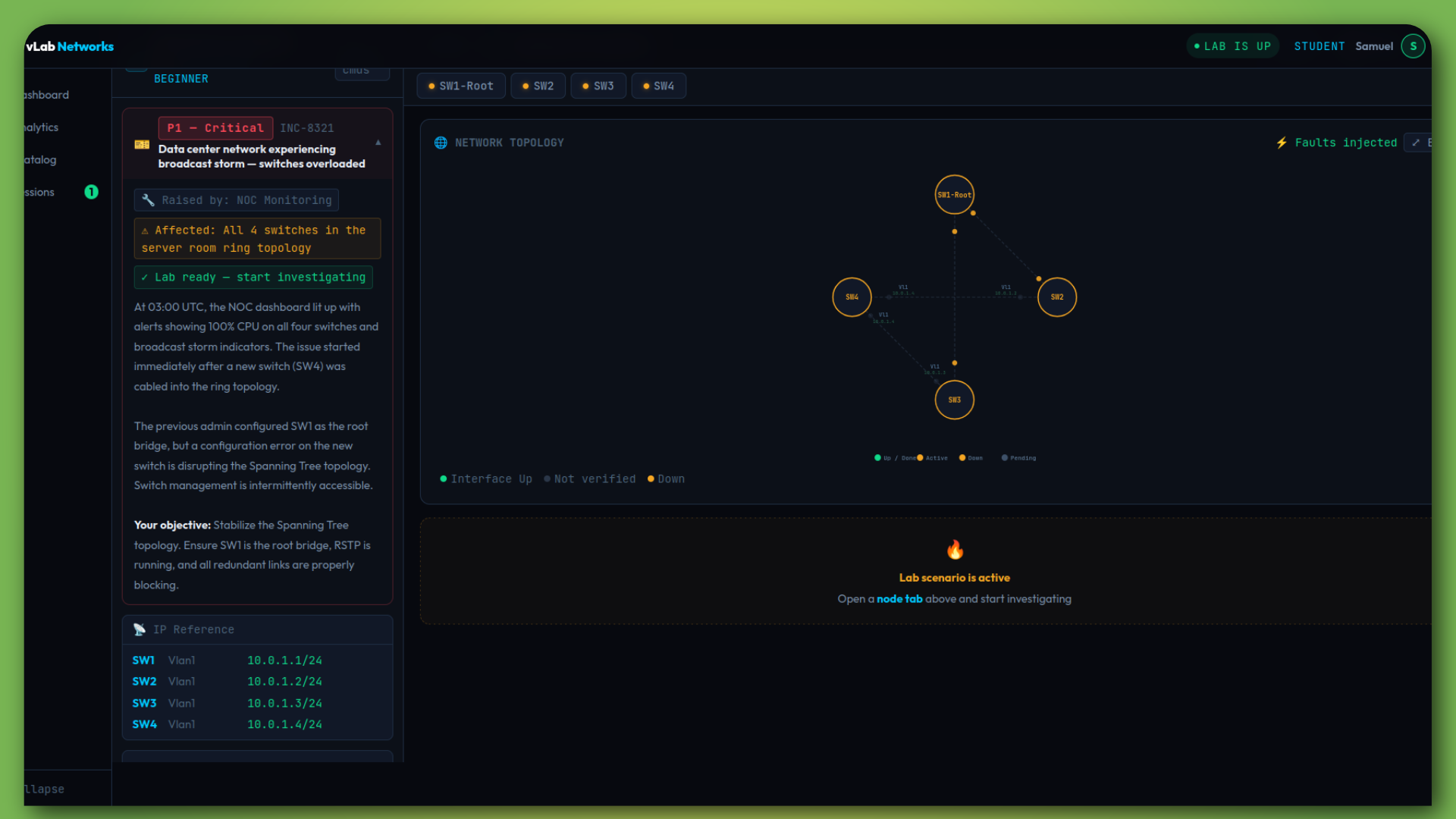
This is not another lab provider. vLab injects real-world faults into live networks — and your students have to find and fix them.

🎲

Random Fault Injection

Every session injects different faults from a pool. No two runs are identical. Students can't memorise the answer.

📊

Automated Scoring

Scored on three axes: did they fix it, how efficiently they diagnosed it, and how fast they worked.

📋

After-Action Report

Every session generates a debrief — the faults, the optimal path, and every command ran.

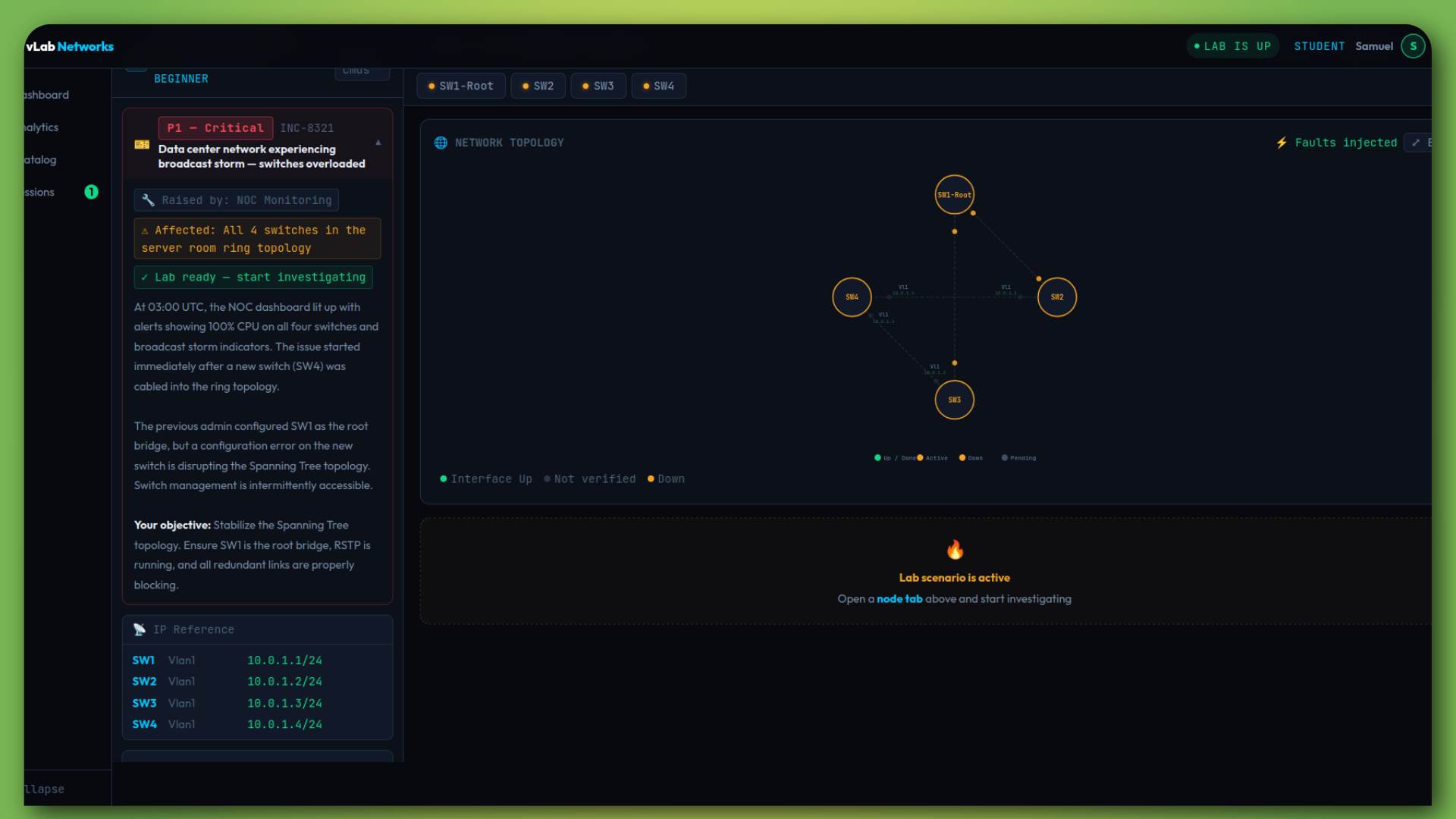
Troubleshooting lab
Lab Modes

Three Ways to Build Real Skills

From step-by-step guidance to high-pressure troubleshooting — every stage of skill development covered.

📋

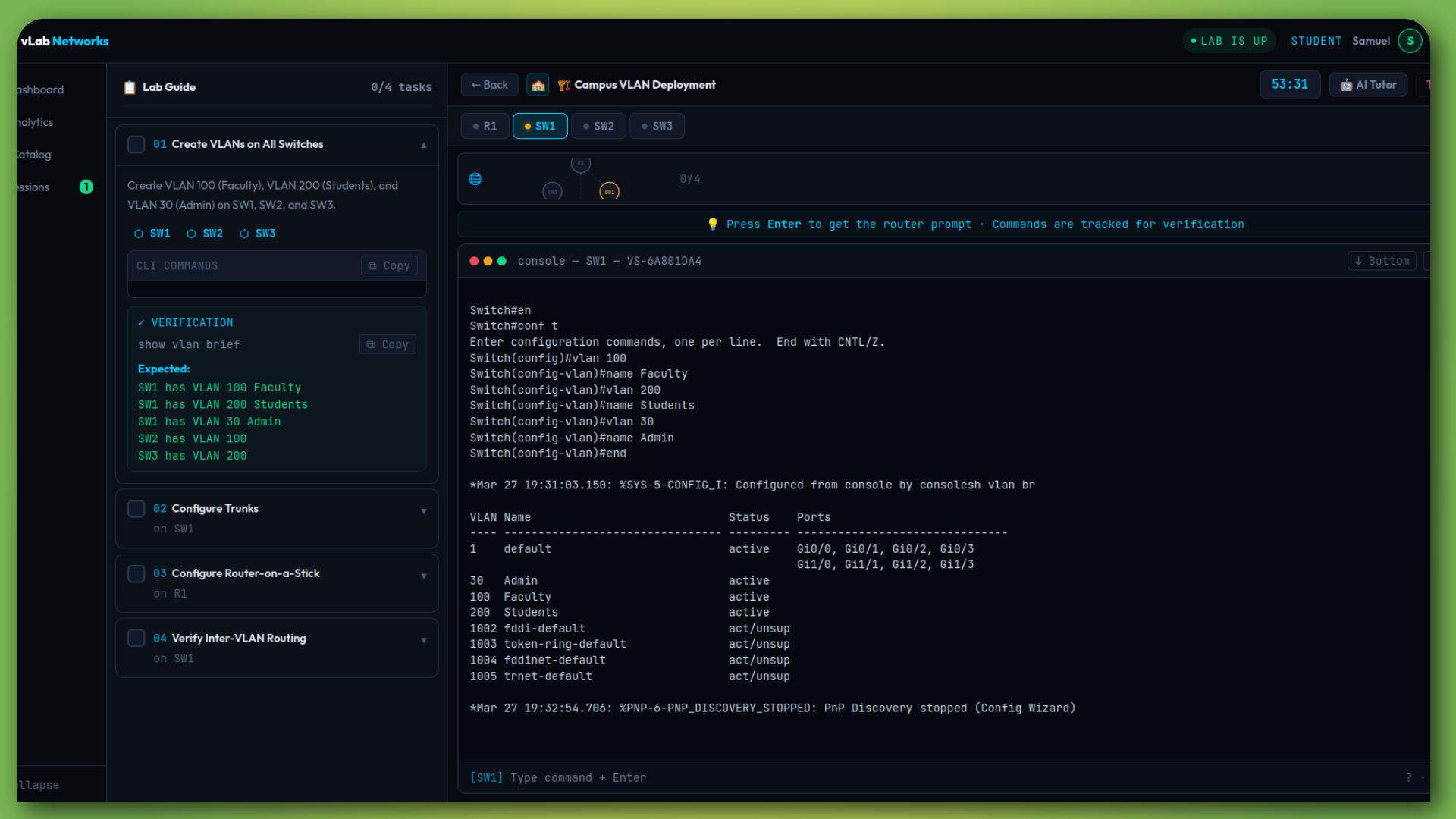
Guided Labs

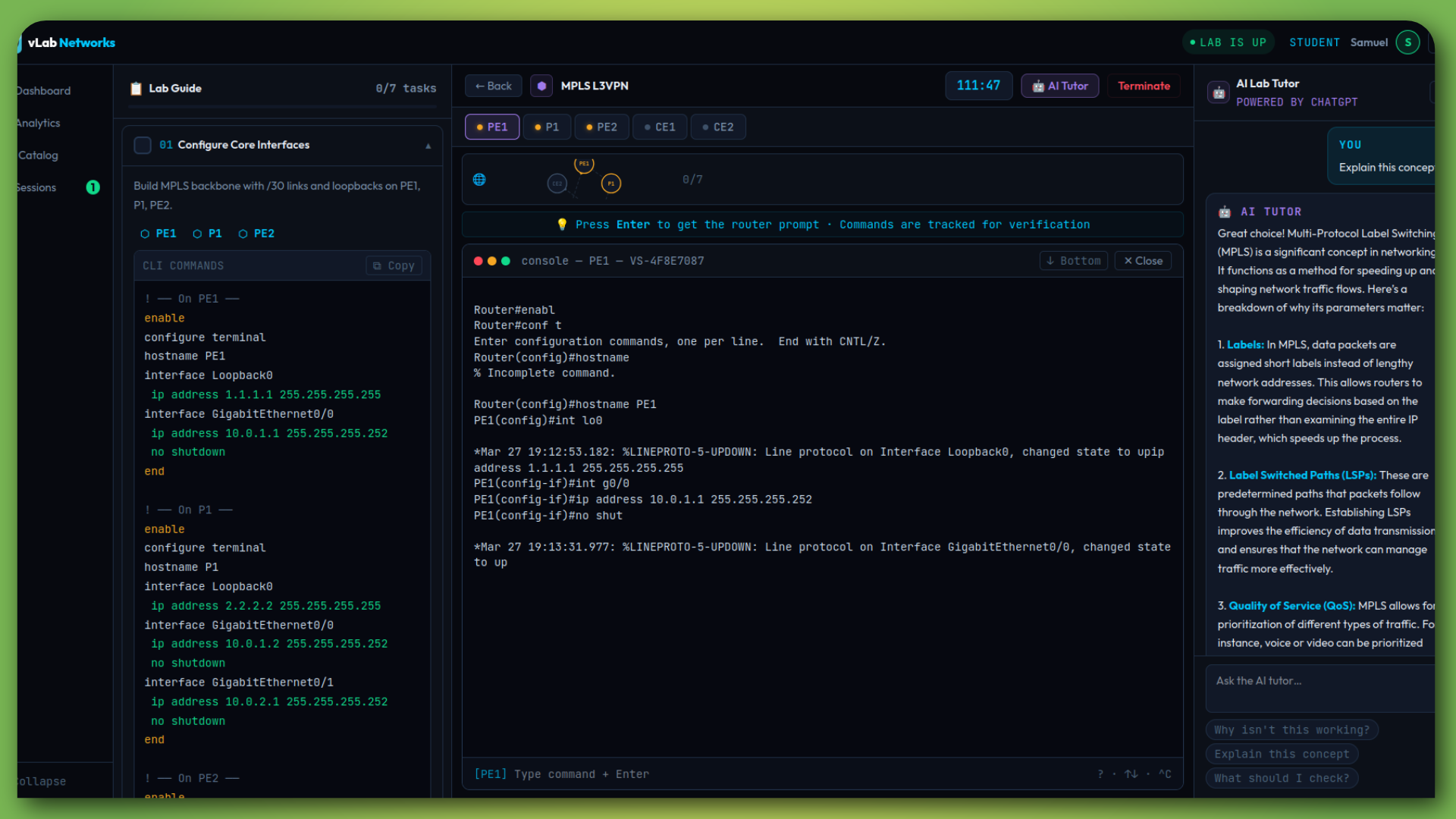
Step-by-step tasks with CLI commands, live topology, and AI tutor. Builds foundational skills with real IOS — not simulation.

Guided Lab
🏗️

Project Labs

Real-world briefs. No commands given. Students design and build the entire solution. Auto-verified against requirements.

Project Lab
🔥

Troubleshooting

Random faults injected every session. Diagnose, fix, get scored. The closest thing to a real outage your students will face.

Troubleshooting
For Instructors

See Exactly Where Students Struggle —
and Intervene Early

Full classroom management with assignments, gradebook, and real-time activity tracking.

Instructor Dashboard

One screen for everything — class-wide stats, topic performance, struggling students, and live activity.

  • Create classes with shareable registration codes
  • Assign any lab type with due dates
  • See which topics students struggle with most
  • Colour-coded performance — spot problems instantly
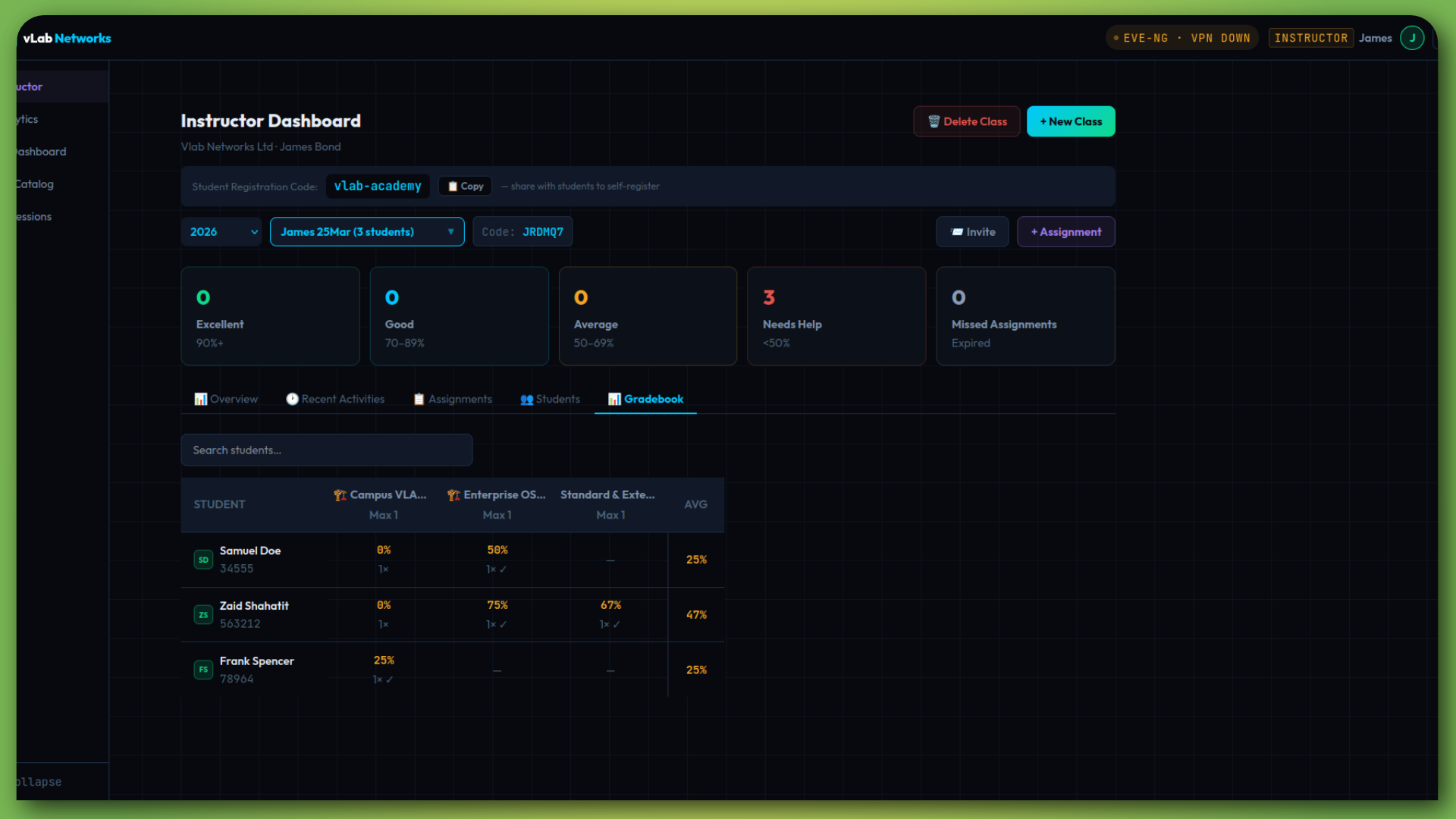
  • Gradebook with per-assignment, per-student scores
Instructor overview

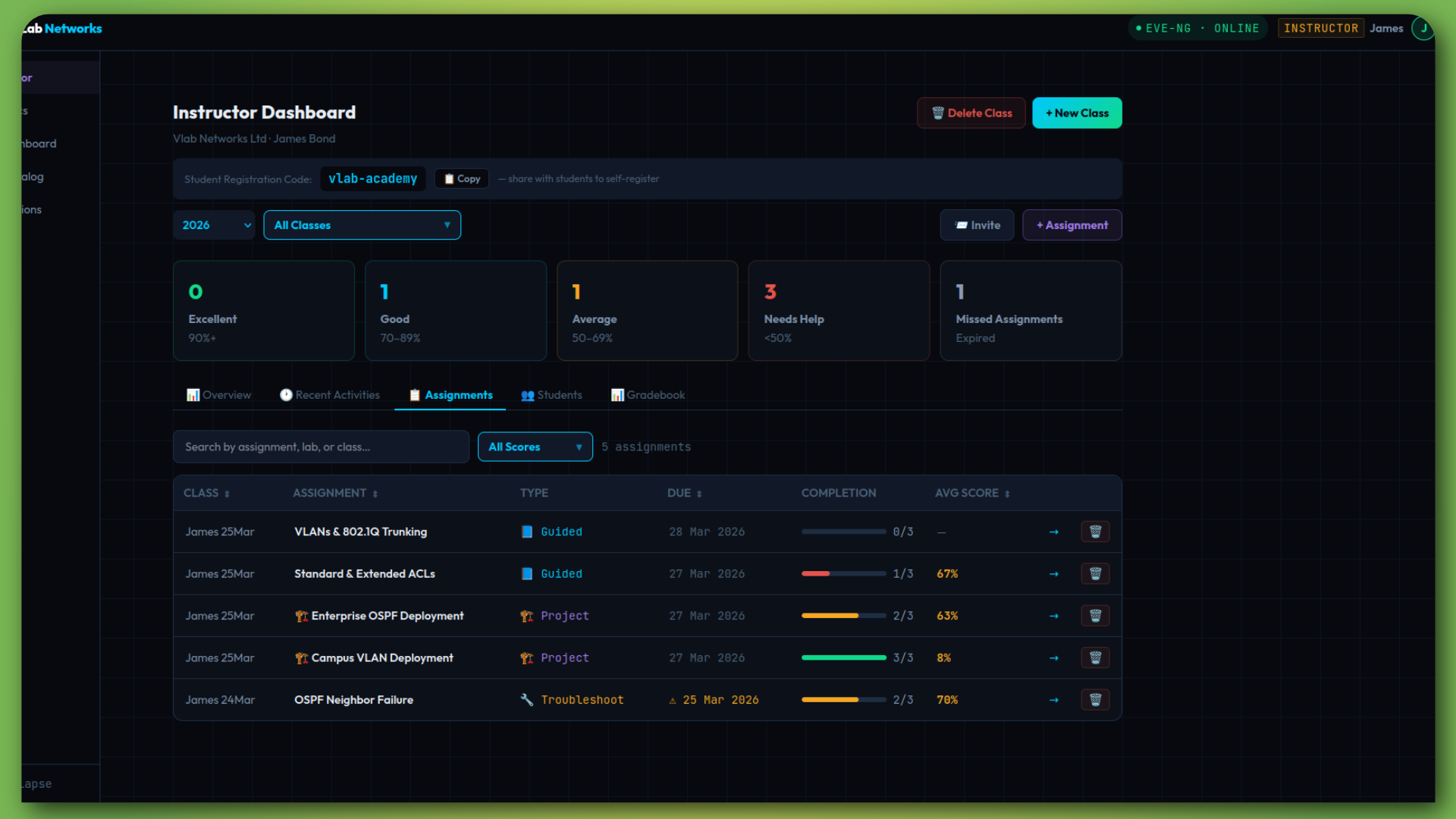
Assignments & Gradebook

Assign labs, track completion, view scores — without manual config checking.

  • Completion progress bars per assignment
  • Average scores with performance tiers
  • Recent activity feed — real-time lab status
  • Overdue assignment alerts
Assignments
For Students

Launch a Lab in Seconds.
From Any Browser. 24/7.

No installs, no VPNs, no waiting. Click a lab, get a real Cisco terminal.

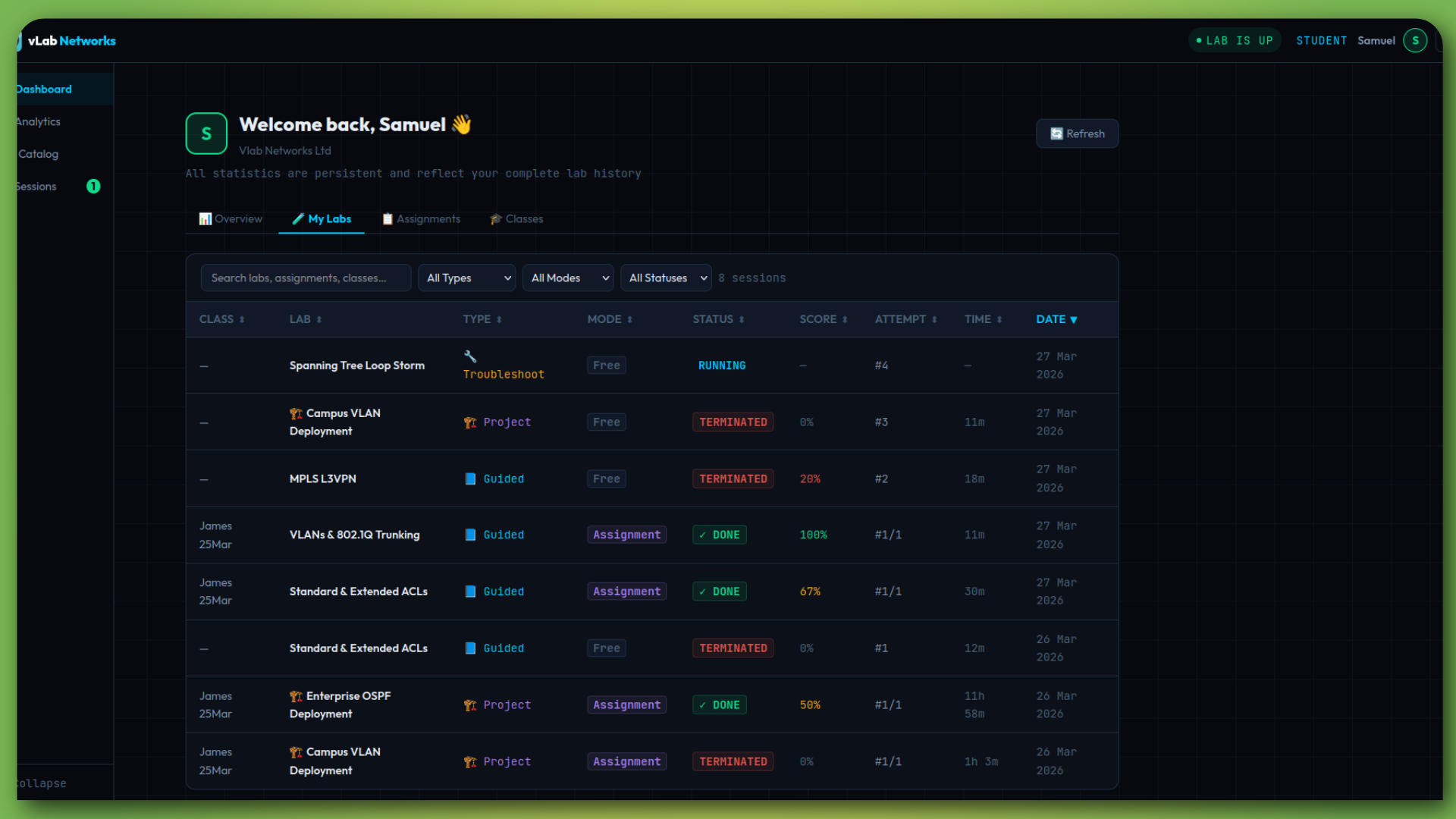
Student Dashboard

Total labs, completion rate, average score, time spent, performance by topic — all on one page.

  • Overview with key stats at a glance
  • Performance breakdown by certification topic
  • Due-soon panel for upcoming assignments
  • Full lab history with scores and times
Student dashboard

AI Lab Tutor

Stuck on a task? The AI tutor analyses your failed checks and points you toward the fix — without giving the answer away.

  • Context-aware — reads the active task
  • Analyses specific failed verification checks
  • Explains concepts on demand
  • Teaches troubleshooting instinct, not answers
AI Tutor
Outcomes

What Changes When You Switch to vLab

🎯

Real Troubleshooting Skills

Students graduate knowing how to diagnose and fix real network faults — not just configure them.

📈

Better Engagement

Dynamic faults and scored sessions create urgency. Students actually practise.

Easier Delivery

Zero hardware. Zero setup. Instructors focus on teaching, not infrastructure.

See It In Action

Book a 15-minute demo. We'll show you a live troubleshooting lab and exactly how deployment works.

Or email directly — info@vlabnetworks.co.uk